How to Make a Free Online Pokémon Binder
Design a cover, choose your pocket grid and track the cards you still need.
Start with a collection you can picture
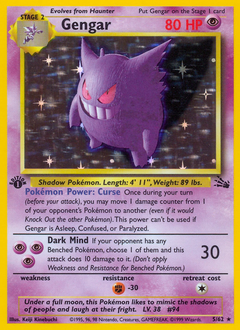
Think about the first spread you would want to show a friend. It might be the cards you pulled from your first set, a row of evolution lines, or every Gengar you can find in the catalog. Give that collection a name before you choose a binder size. A short title makes it much easier to find later if you end up keeping separate binders for different projects.
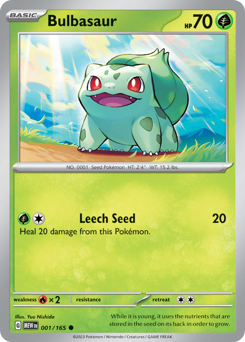
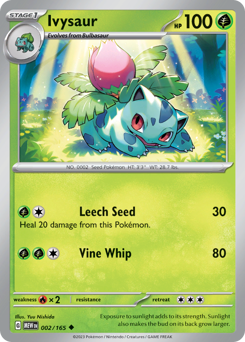
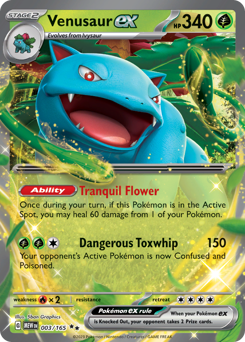
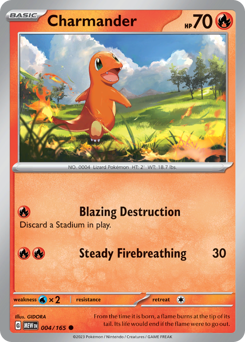
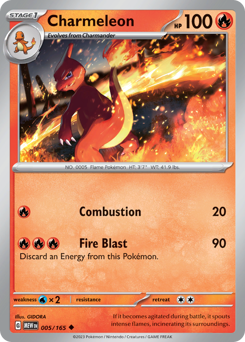
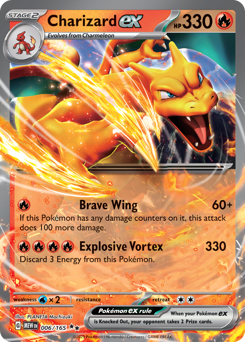
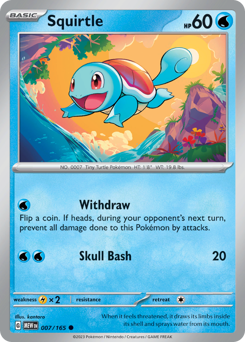
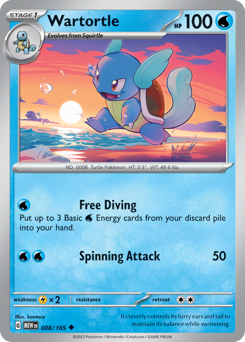




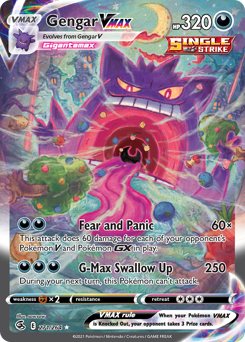
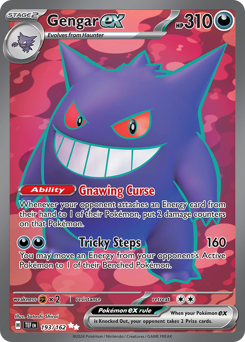

Set up your binder
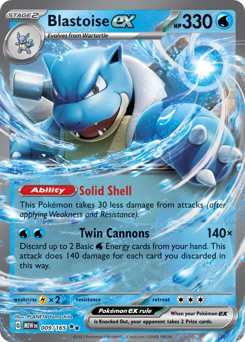
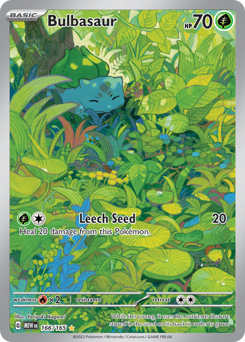
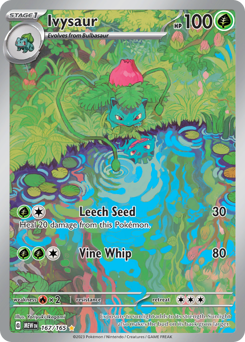
Open the free online Pokémon binder builder and choose a cover, page color and pocket grid. A 2 × 2 page gives a small group of cards room to stand out. A 3 × 3 page works well for rows of evolution lines. Choose 4 × 4 if you want to see more of a large set at a glance. Pick enough pages for the cards you have now and leave space for a few future additions.
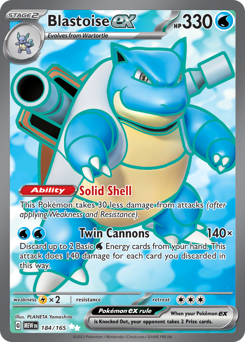

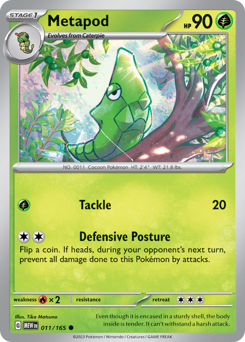
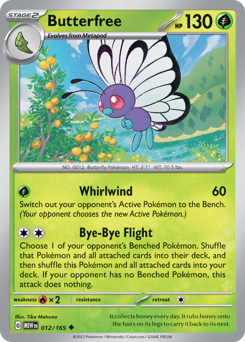
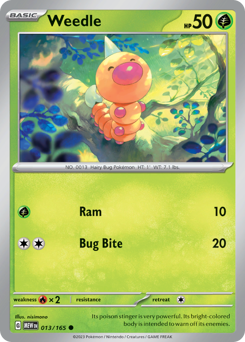
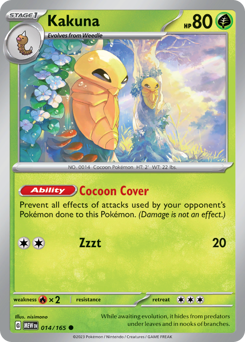
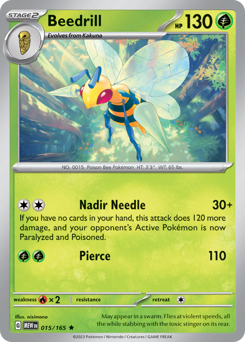
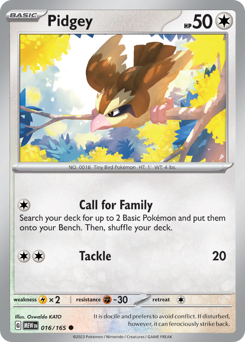
Find the exact card you want
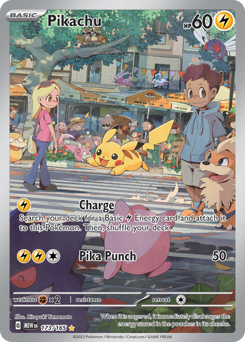
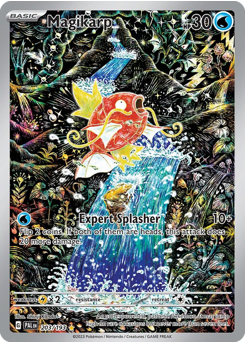
Enter a Pokémon name to compare artwork across sets. If you already know the print, add its set name or collector number to narrow the search. Compare both details with the number and set printed on your card before you place it. For a collection devoted to one Pokémon, search for the name on its own. When the binder offers to add all matching cards, check the count and confirm. The tool uses the cards available in the OnlineBinder catalog, so you can add any missing prints separately as you find them.
 151 · #025151 · #173
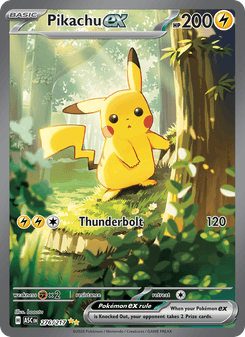 Ascended Heroes · #276
Separate what you own from what you want
Give your wishlist cards real slots. That makes it easy to picture the finished spread and helps you avoid filling a gap you were saving for something else. Mark the cards you own as you add them, then check the binder’s progress after a trade or a new pull. If two prints look almost identical, take a moment to compare their numbers before changing their status.
Owned Wanted Owned Save a draft or share the collection
Sign in to save your binder to your account. Keep it private while you decide on a layout, or make it public when you want others to see it. Browse the collector showcase to see how other binders are arranged. If you want a layout to build on, open a Pokémon binder template or read the complete Pokémon card binder guide for ideas you can use with a physical collection too.
Before you start a second binder, come back to the first one and check whether each spread still makes sense without an explanation. A simple system is easier to maintain as your collection grows. If a page keeps getting rearranged, give that theme a binder of its own.